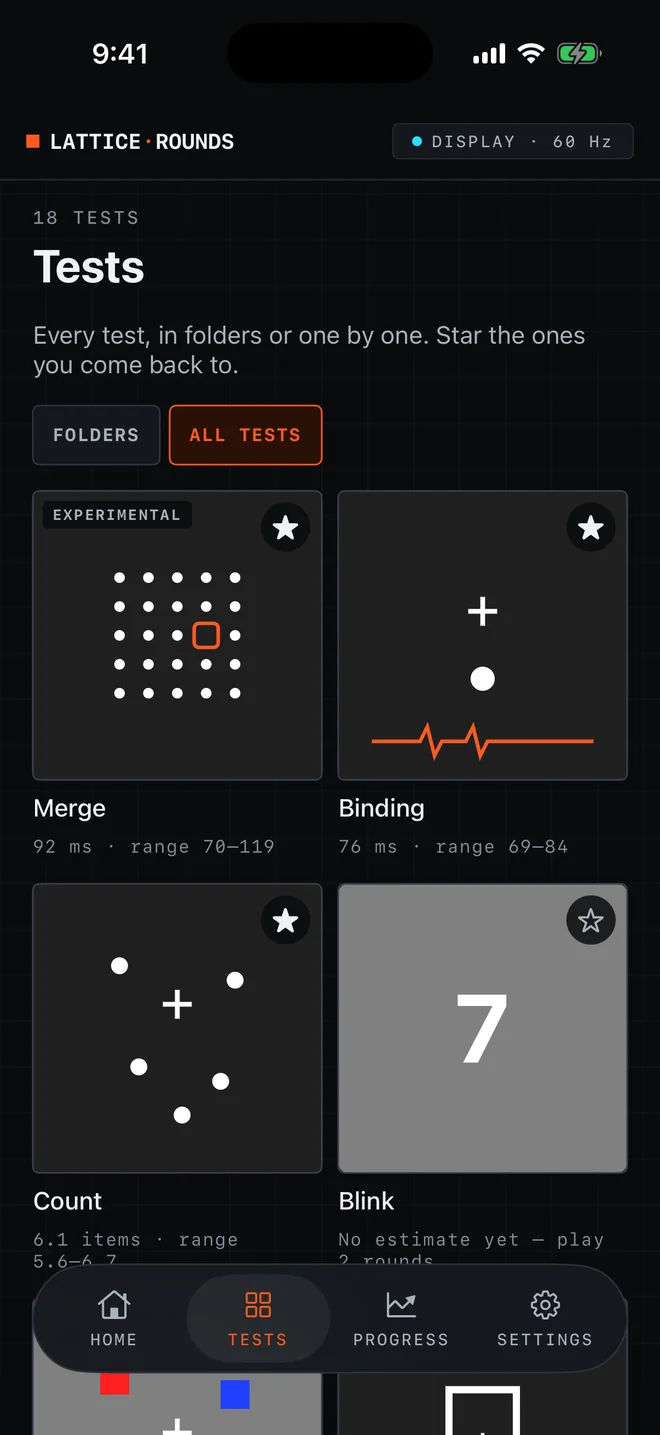
Lattice Rounds is a phone app, and it is in testing. On Android you can install it today with a direct download. On iPhone it comes through TestFlight, Apple's app for trying apps before they reach the App Store, and that link is not open yet.

Works right now, for anyone with Android 8.0 or later, in about two minutes. Do it on the Android phone itself, in Chrome. Android warns you twice on the way because the file doesn't come from the Play Store. Both warnings are expected, and the steps say what to tap.
Tap Download. Chrome asks “File might be harmful. Do you want to download lattice-0.1.0.apk anyway?” Tap Download anyway.
When it finishes, tap Open on Chrome's “File downloaded” message. Missed it? Chrome's menu (⋮) → Downloads → tap lattice-0.1.0.apk.
Android says your phone “isn't allowed to install unknown apps from this source”. Tap Settings, turn on Allow from this source, then tap the back arrow.
Tap Install. If Play Protect warns about the app, tap More details → Install anyway.
Tap Open. The icon on your home screen is called Lattice. Pick a test; the first round of any test is practice and is not counted.
This copy doesn't update itself. When there's a new version, download it here the same way and it installs over the old one, keeping your results.
SHA-256, if you want to verify the file before installing:129ebb3e71aaf09574fd28f342410b9d50eb756d70ca2e64f0b1be682be77157
Not open yet. The Play version is with a small internal test group. When it opens, the link will be here. If you install the download above in the meantime, see the first warning.
iPhones get Lattice Rounds through Apple's TestFlight app, on iOS 17 or later. Two taps, both on the iPhone itself.
TestFlight is a free app made by Apple. If you already have it, go to step 2.
Get TestFlightWhen TestFlight finishes installing, don't tap Open. It would open on an empty screen. Come back to this page instead.
The public link is not open yet. The iPhone build is with a small internal test group for now. When the test opens to everyone, the button to join will be right here.
The icon on your home screen is called Lattice. The app walks you through a short set-up, then you pick a test. The first round of any test is practice and is not counted.
The app works without one, and your results stay on the phone. On iPhone you can keep a copy on an UltraDAO.to account: make the account on this website first, then link it in the app's Settings with the 6-digit code we email you.
Make an UltraDAO.to account →For the tests with sound, play through the phone's speaker or wired headphones, and use the same one each time. Bluetooth adds a variable delay between sound and screen, so results come out noisier.
They do not move between an iPhone and an Android phone, and the numbers are only comparable on the same phone anyway.
There is no version for a laptop or desktop, and none in a web browser. Lattice Rounds is a phone app only. Read what it is.
These are research measures of perception and attention. They are not medical tests and do not assess your health, intelligence or any condition.
Some tests flash letters, rings and noise patterns rapidly. If you are sensitive to flashing images, do not use this app.