
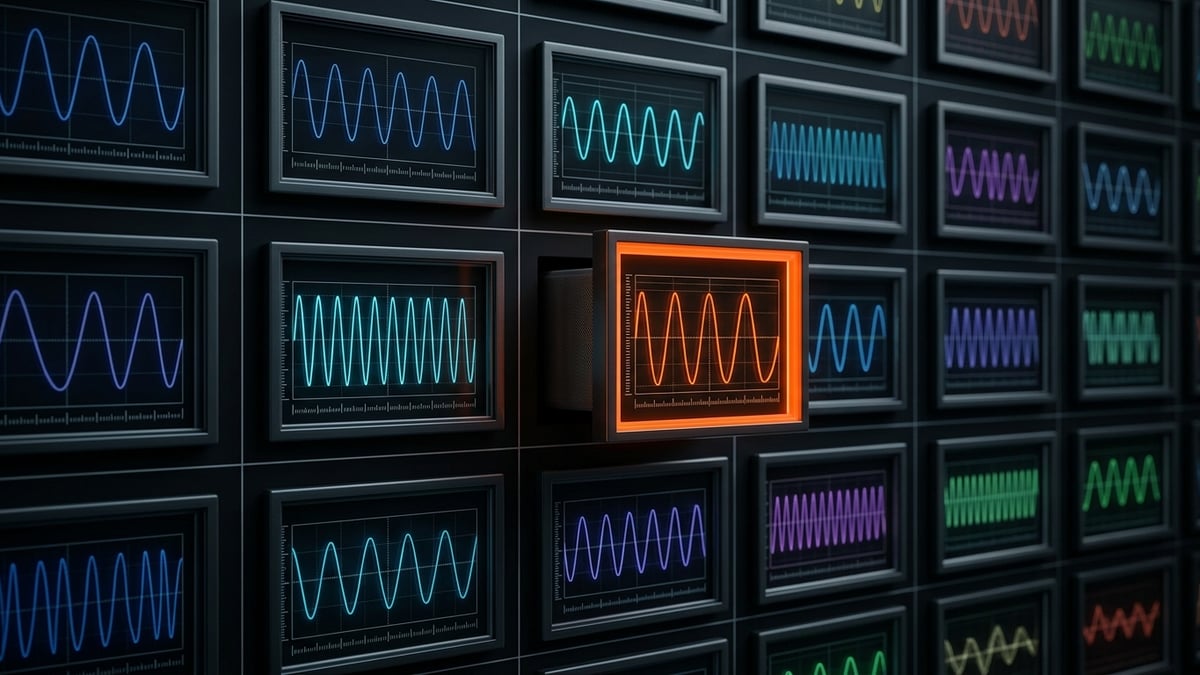
Every frequency in the UltraDAO library looks, from the outside, like a media title. It has a name, artwork, a price or a free badge, and a place in your library in the UltraNFC app. But the thing itself is none of those. Underneath each entry is what we call an engine: a small signed firmware image, a little over six kilobytes, that a US-2000 Pro flashes into itself and then runs. There is no audio file anywhere in the pipeline, because nothing is played back. The instrument becomes the program.
That distinction shapes everything about how the library works — how programs are named, how they are verified, how they install, and what it means to own one. This post walks the pipeline end to end: what an engine is, how it earns an identity, how we check that the hardware does what the label says, and what actually happens in the moment between tapping your phone and the device carrying a new wave.
An engine is firmware, not media
A frequency program is a complete, self-contained firmware image. Each one carries the full definition of a single program — nothing is streamed, decoded, or interpreted at run time. When an engine is installed, the device itself generates the wave, pulse by pulse, exactly as the firmware describes it.
Every engine is signed, and the signature is checked against keys provisioned by UltraDAO before anything is committed. A payload with a bad signature never lands. This is also why ownership in this library is unusually concrete: a frequency you own is not a license to stream something from a server. It is a firmware image in your library that you can flash onto your own instrument, and once flashed, the instrument is that program until you choose another.
Every program gets an identity
Because an engine is a binary, it needs a human face. Each program in the catalog carries three layers of identity: a formal name in the pattern of US-2000 Pro — 100 Hz, a one-word codename, and its own wave artwork with a distinct color. The plain single-frequency set reads like a fabric shelf: Velvet at 20 Hz, Suede at 40 Hz, Honey at 60 Hz, Balance at 100 Hz, Linen at 150 Hz, Satin at 200 Hz, Ripple at 300 Hz, Silk at 400 Hz, Glow at 500 Hz, Chime at 800 Hz, Crystal at 1000 Hz, Shimmer at 1200 Hz, Zephyr at 1500 Hz.
A codename is a name, not a claim.
This is worth stating plainly. A title like Deep Sleep, Stillness, or Dream State is a label chosen for character, the way a paint color gets a name — it does not assert that the program produces sleep, stillness, or anything else, any more than Velvet asserts softness. We make no claim that any frequency in the library has a particular effect on the body. The names exist so that people can tell 39 Hz apart from 40 Hz at a glance, and so each program can have artwork worth looking at.
Bench-verified, within 0.11 percent
A frequency label is a measurable promise, so we measure it. The plain-frequency range set spans 20 to 1500 Hz, and on 2026-08-16 the set was bench-verified on real hardware: each program was flashed onto a physical US-2000 Pro and its output measured, landing within 0.11% of nominal. When the catalog says 100 Hz, the transducer pulses at 100 Hz — not at whatever the label rounded from.
Beyond the plain set are the nested programs, where two frequencies run at once: a slow envelope shaping a fast carrier. The flagship of that family runs a 39 Hz envelope over a 1755 Hz carrier with a 45:1 phase lock, so the two layers stay in a fixed relationship instead of drifting past each other. Nested engines are built and installed exactly the same way as plain ones — they are simply firmware that describes two interlocking rates instead of one.
What one tap actually does
Installation is deliberately boring. You pick a program in the UltraNFC app and hold your phone to the device. In plain terms, four things happen:
- The engine crosses over NFC as a signed payload.
- The device CRC-checks the transfer, so a corrupted byte fails loudly instead of installing quietly.
- The signature is verified against UltraDAO-provisioned keys.
- The device flashes only the engine region — the small area of memory reserved for the program itself.
The last point matters more than it sounds. Installs are stateless: every engine carries its region in full, so flashing any engine over any other lands byte-identical, with no leftovers from whatever was there before. The factory firmware and the per-device calibration are never touched. There is no version drift, no residue, no order of operations to get wrong. A device that has cycled through fifty programs is in exactly the same state as one that installed its current program first.
The default, and the rest of the shelf
Every device ships with an engine already installed: Balance, the 100 Hz program, is the day-one default, and it is free with every account — the instrument runs a real, verified wave out of the box with nothing else to buy. The rest of the plain set is likewise free in every library. The paid titles are $10 each, purchased by card checkout on the website; the library itself lives in the UltraNFC app on your phone, which is where everything you own or have been gifted waits, ready to flash.
That is the whole path: a number of cycles per second becomes a signed six-kilobyte image, earns a name and a waveform portrait, gets measured on the bench, and installs with one tap. If you want the hardware side of the story — the board, the NFC controller, the transducer it drives — the device page covers it, and the library is waiting in the UltraDAO app.
UltraDAO devices and frequency programs are wellness and research instruments. The PULSE system is not a medical device, is not FDA cleared, and nothing in this post is medical advice — no therapeutic claims are made. Ultrasound neuromodulation is an active area of research; consult a qualified clinician for health decisions.